 Swipe'N'Teach
Swipe'N'Teach
Swipe'N'Teach
Grade in seconds, manage as thoroughly as a class register.
Oral grades, exams, timetable and behavior — all in one app that keeps your data on your device.
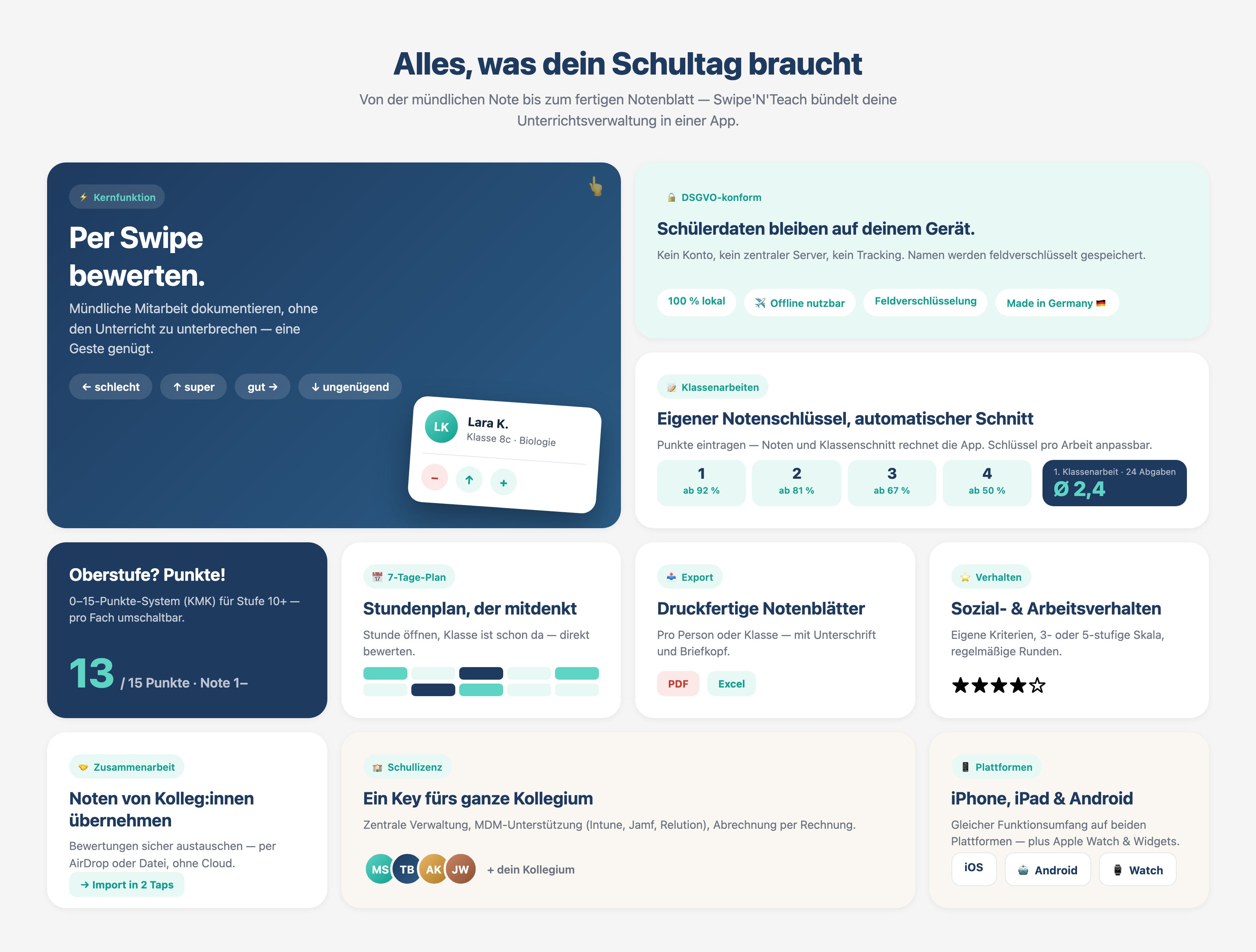
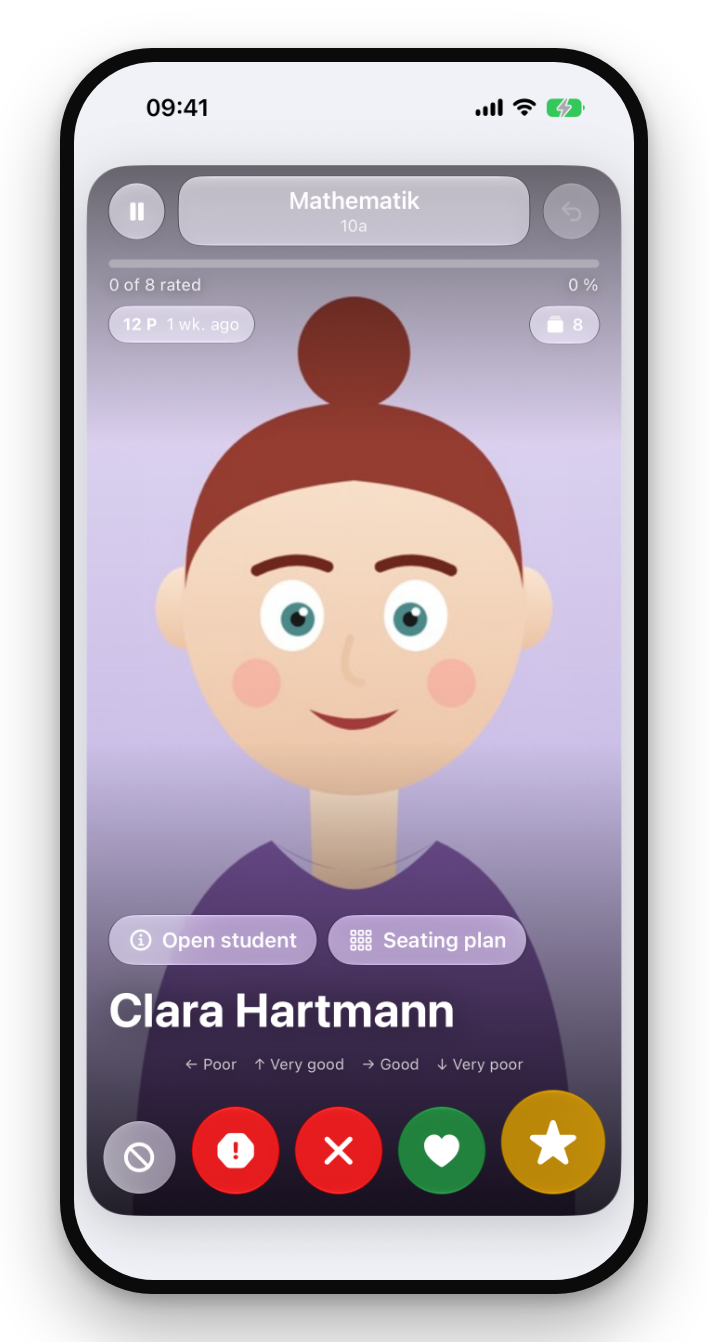
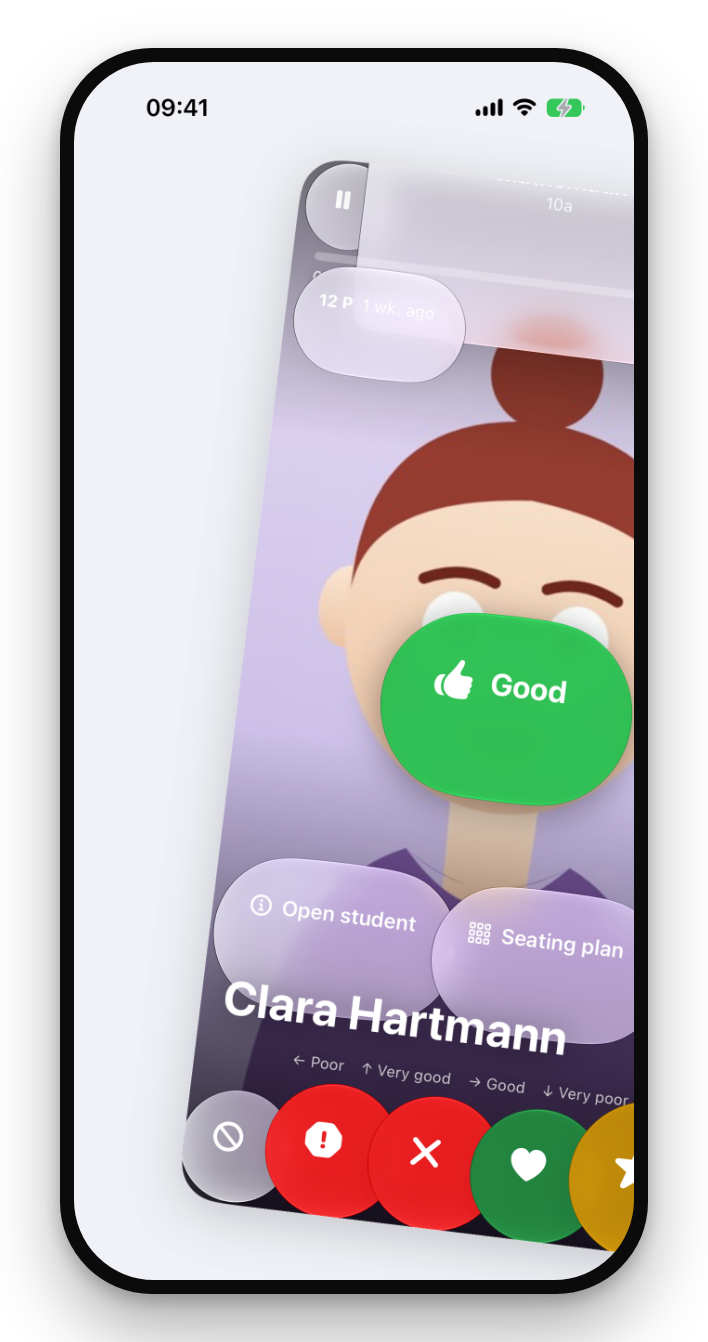
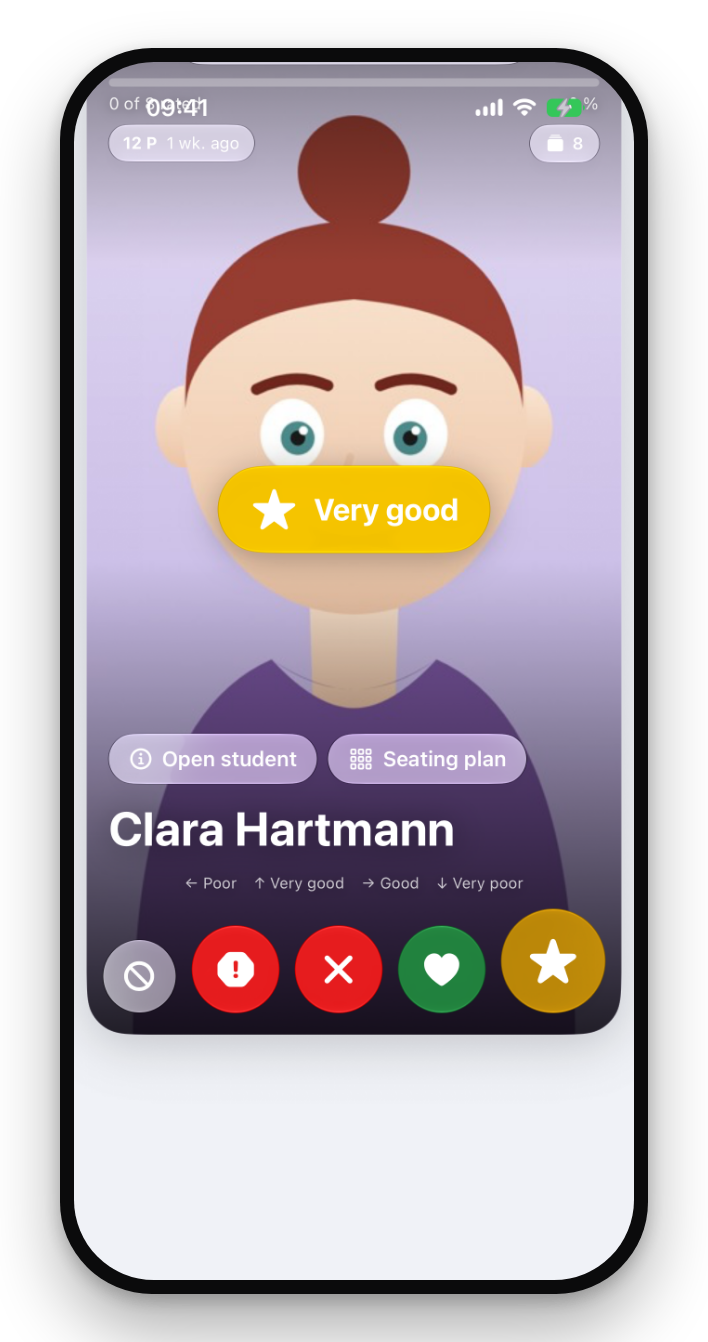
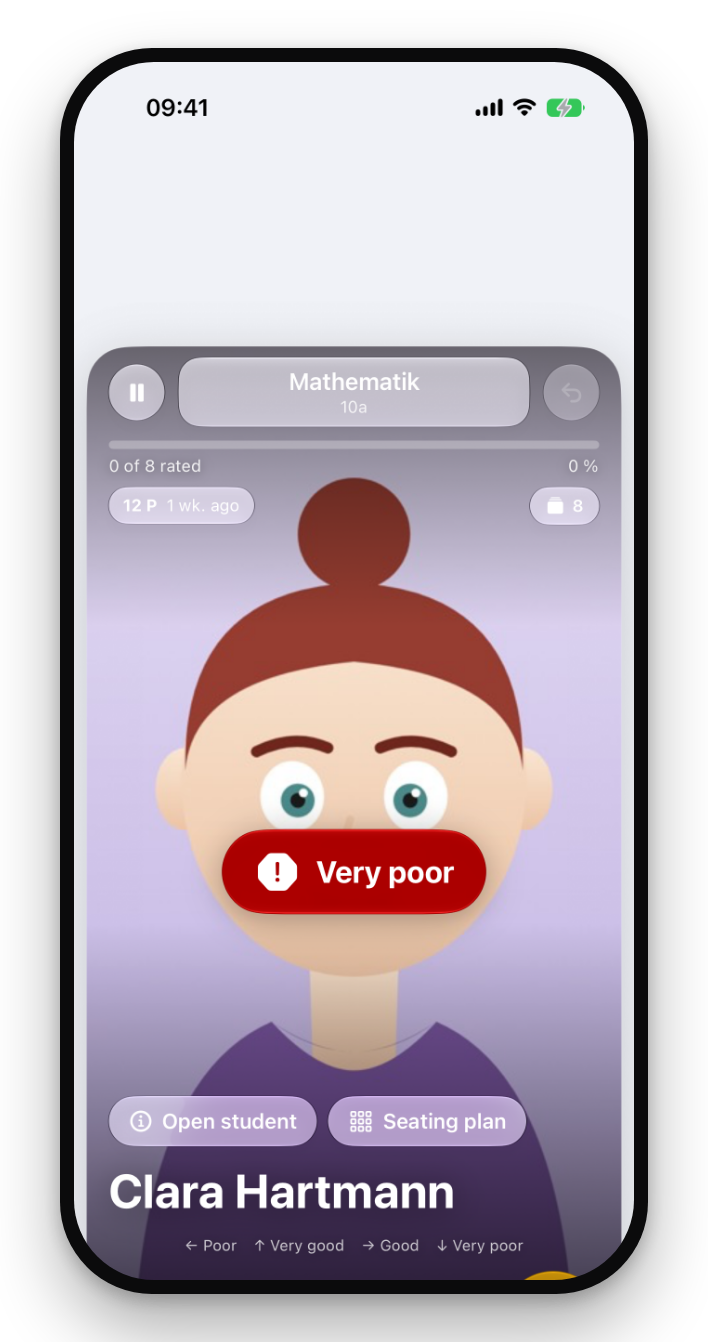
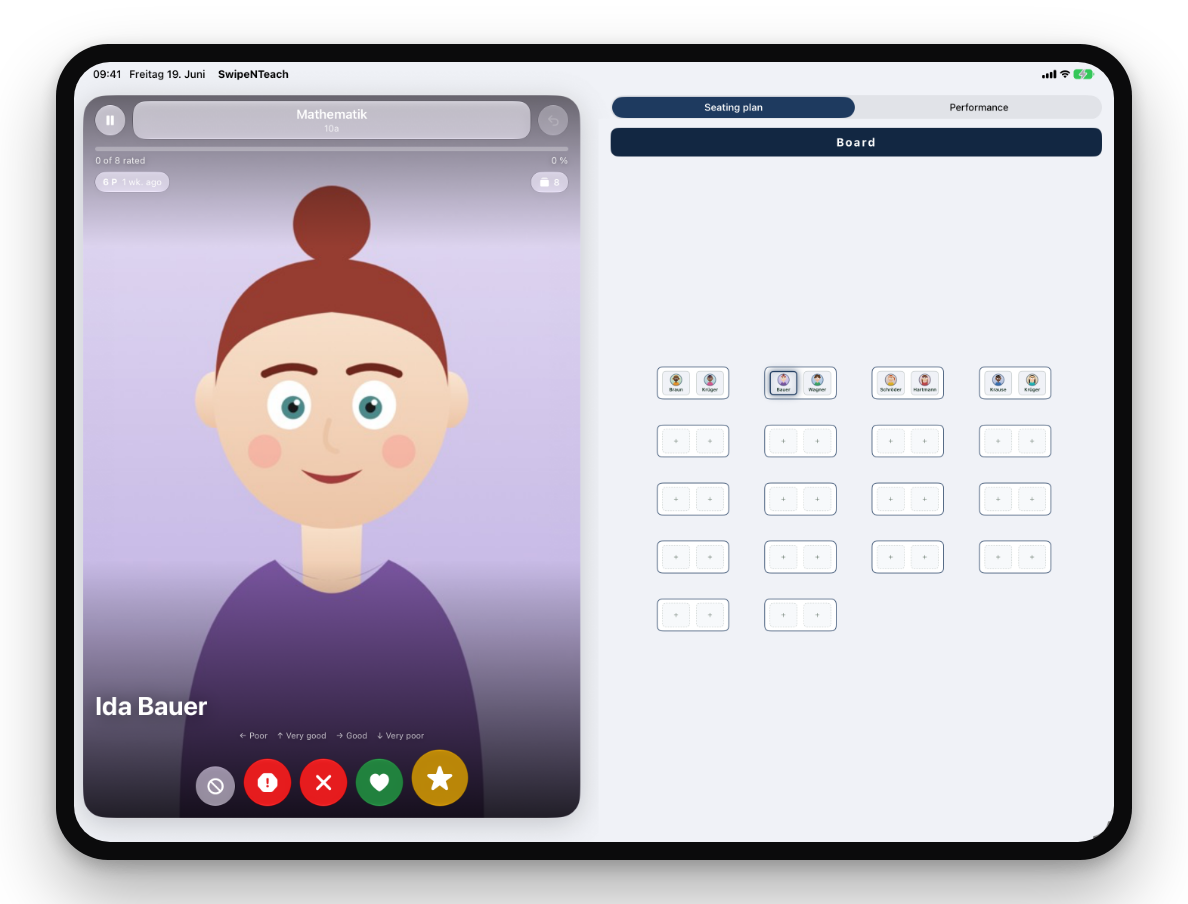
Rate oral participation without interrupting your lesson: right = good, left = poor, up = outstanding, down = failing. Four gestures, four levels — every rating is documented instantly.
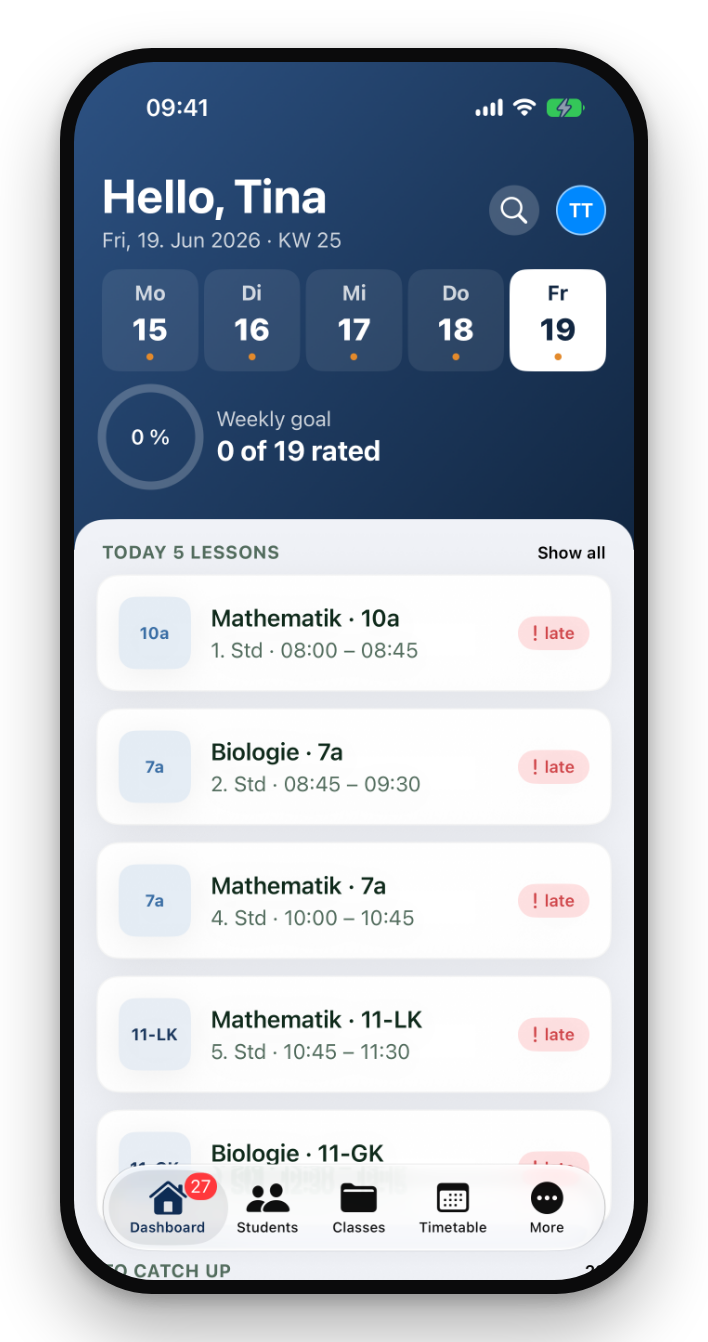
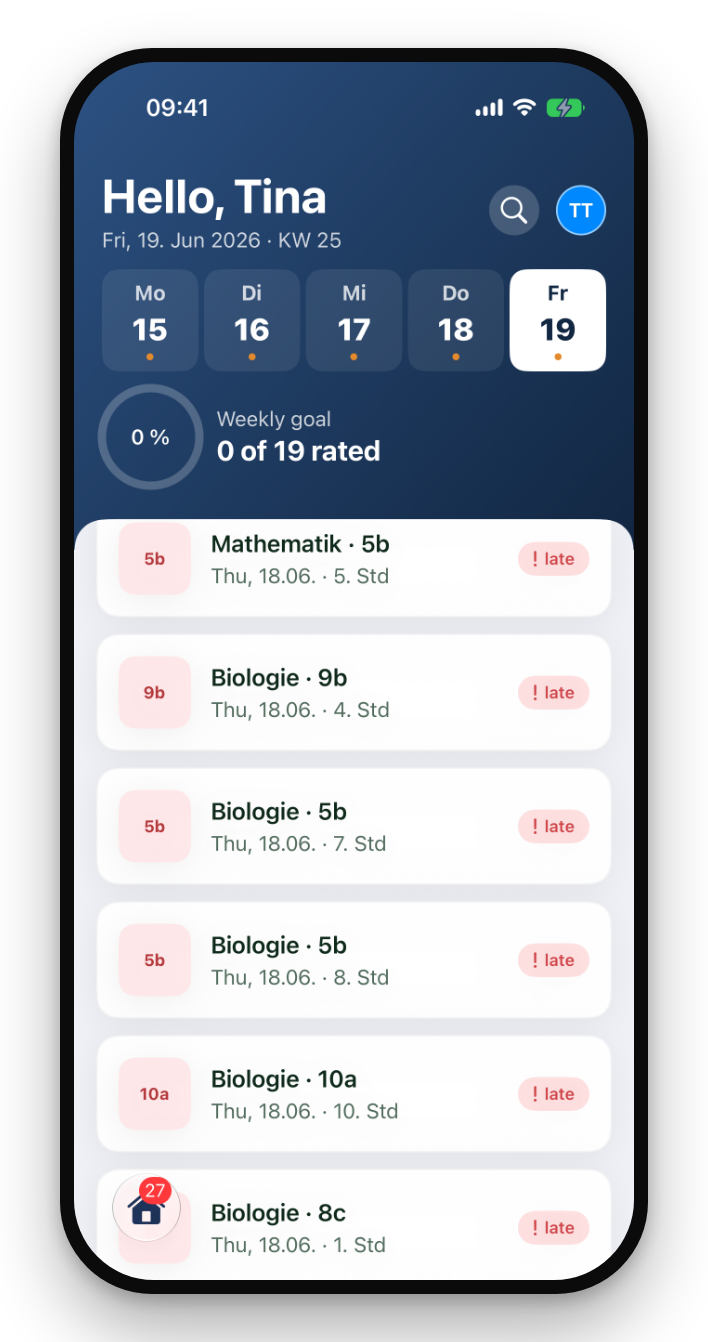
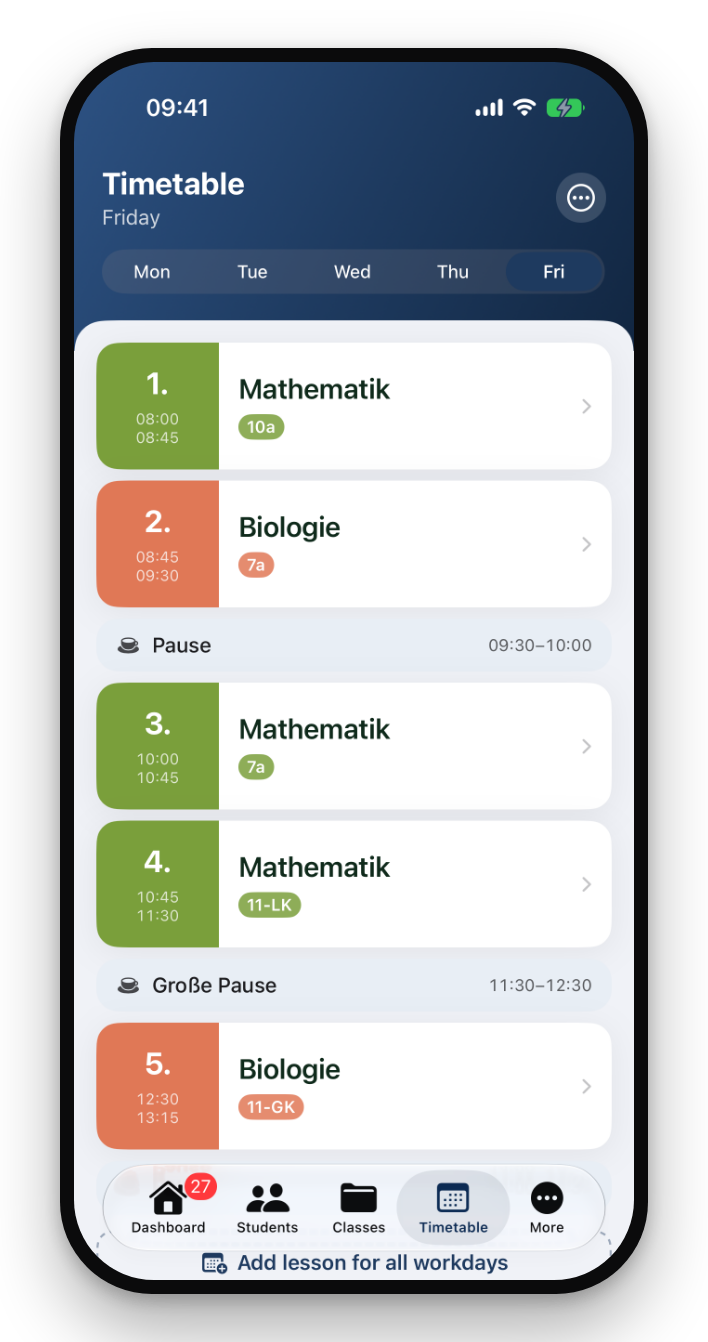
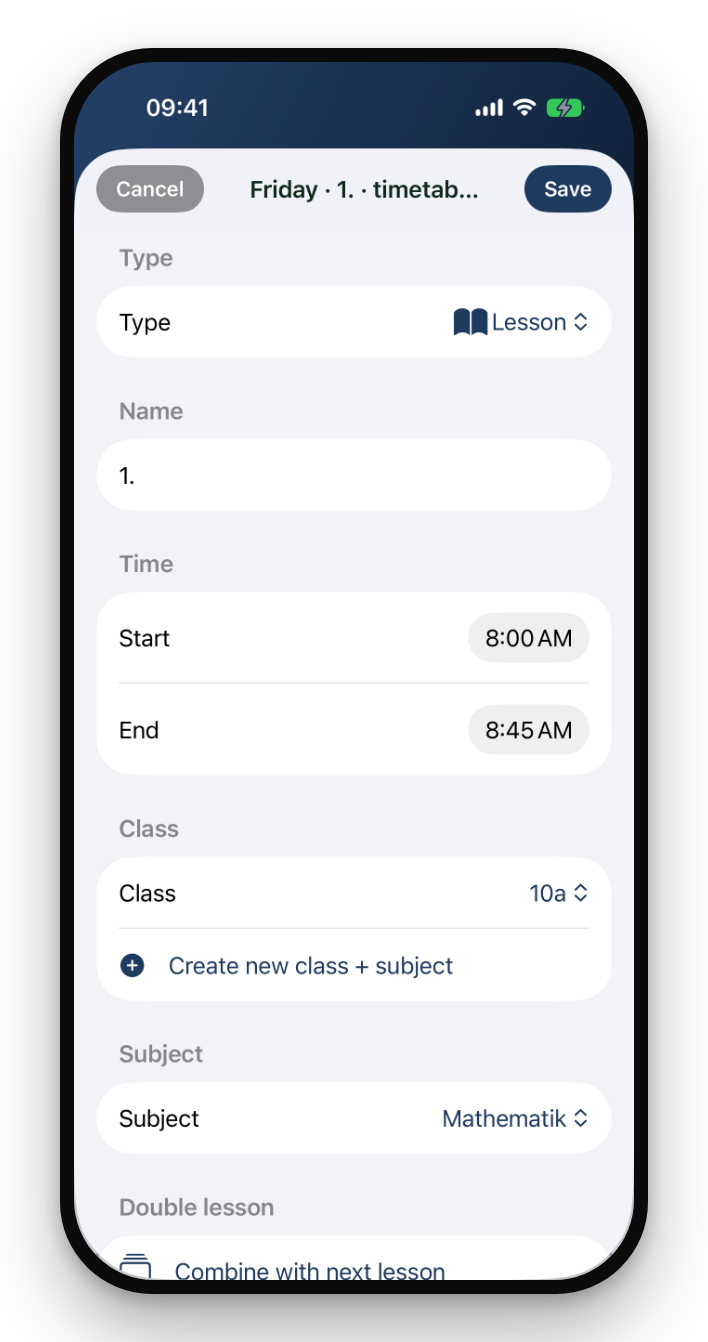
The 7-day timetable knows your classes: tap a period, the class loads, start grading. Reminders nudge you when a rating is still due.
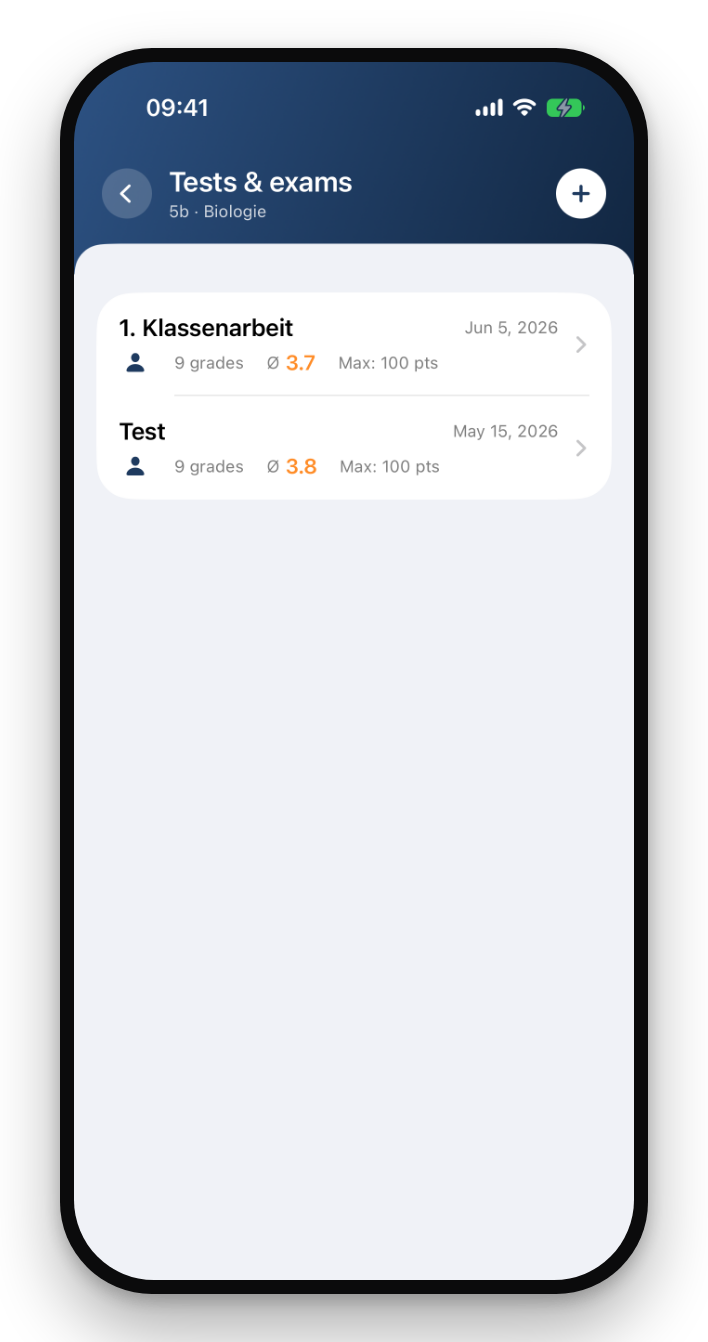
Exams with your own grading scale, weighted overall grades, and the 0–15 point system (KMK) for upper secondary — switchable per subject.
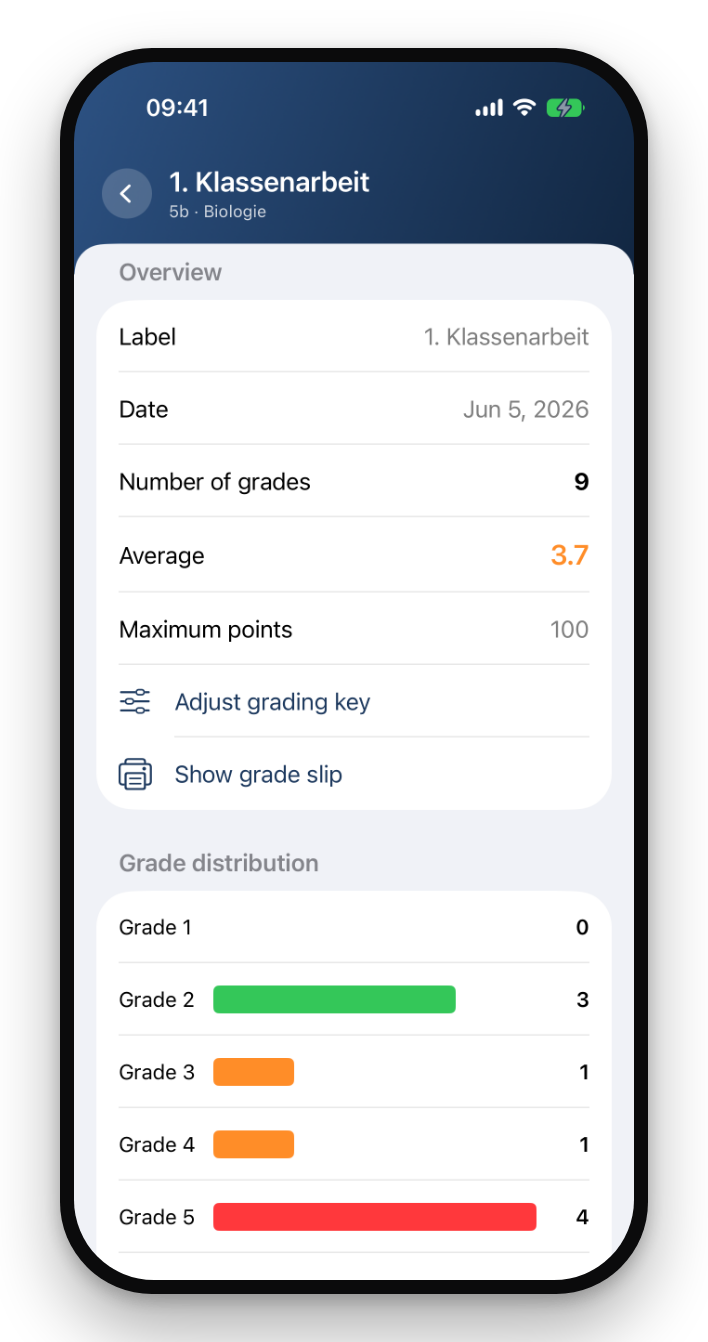
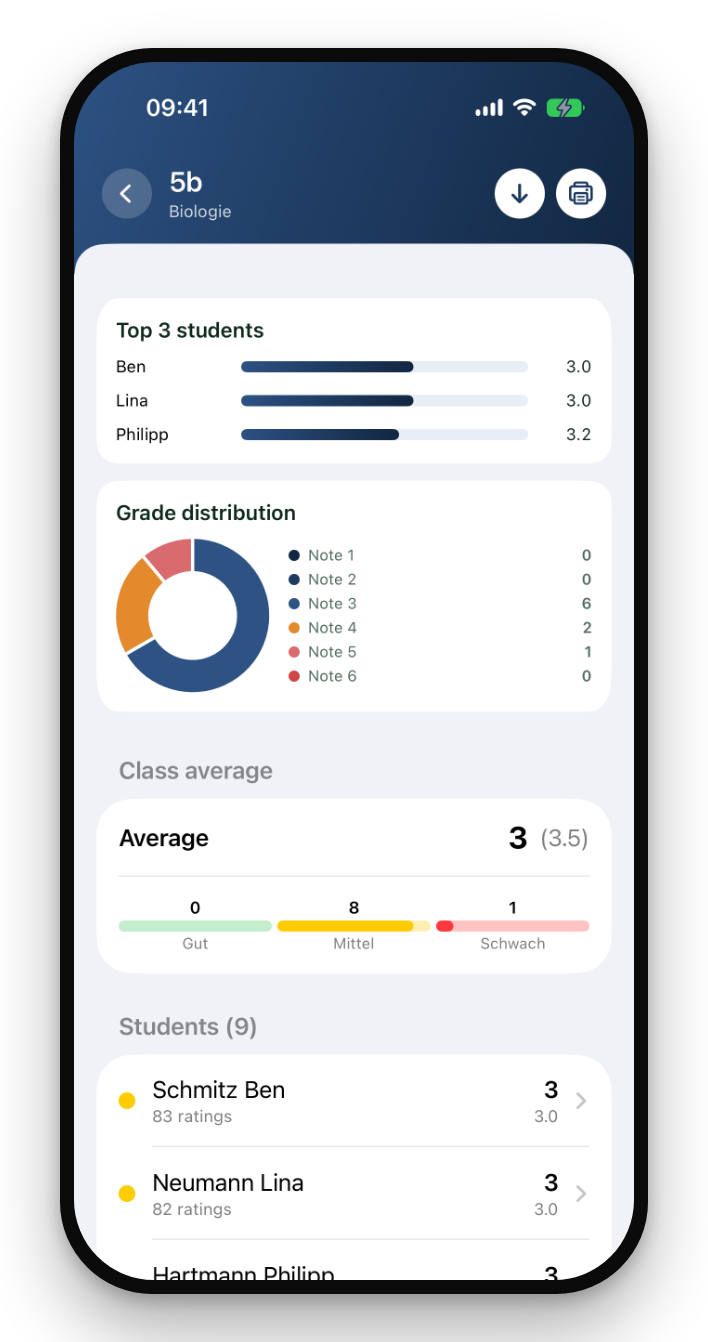
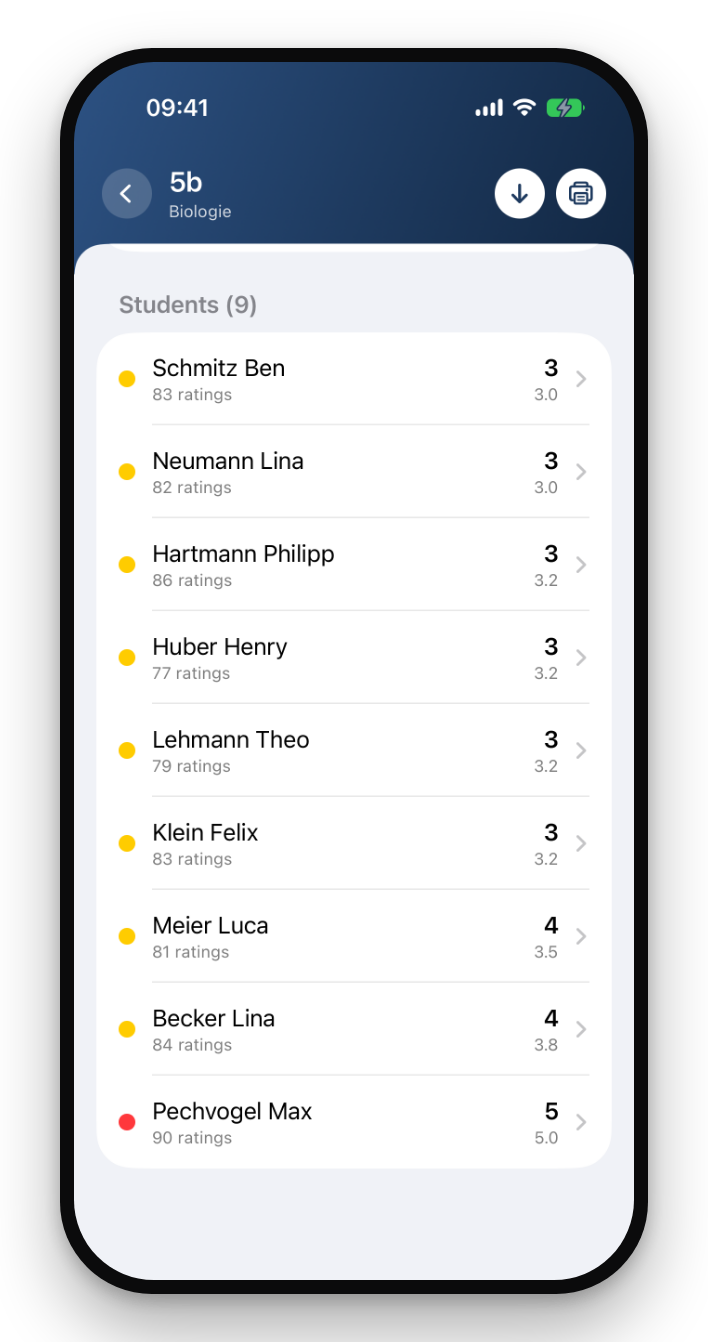
Performance over time per student and class, grade distributions and behavior analyses — as charts in the app and as PDF or Excel export.
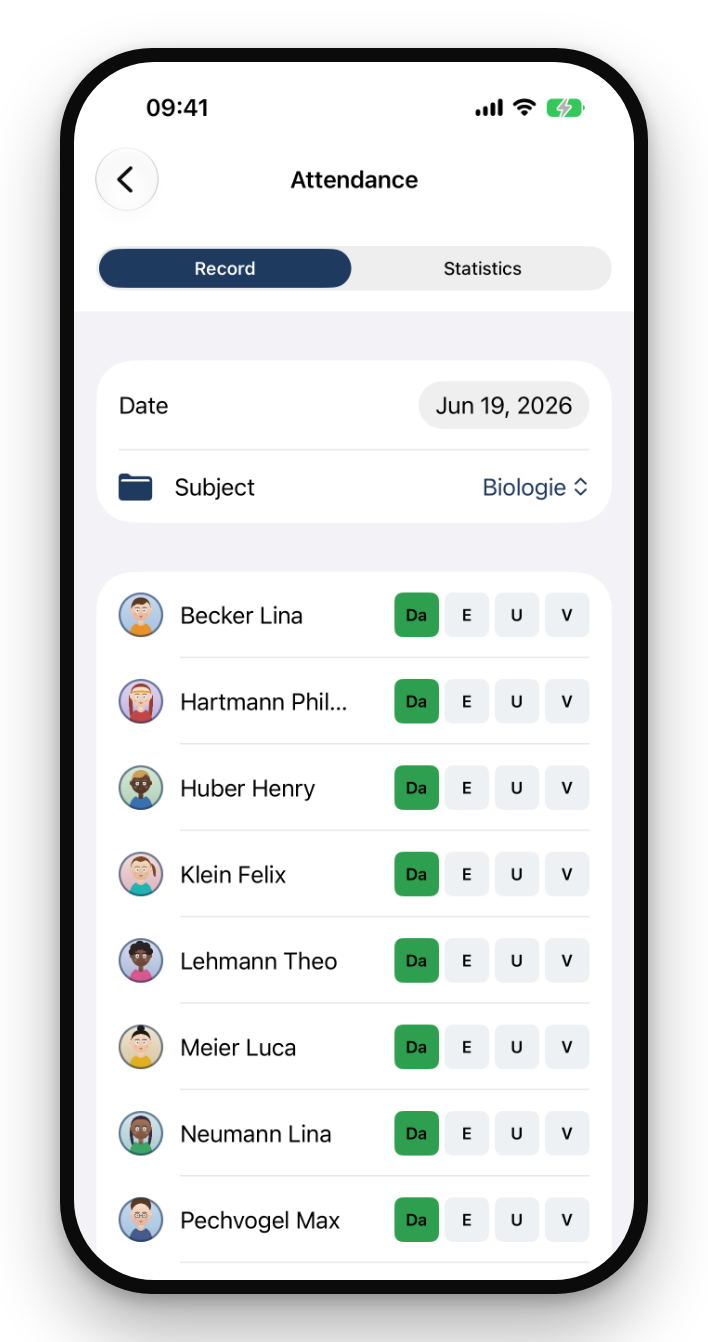
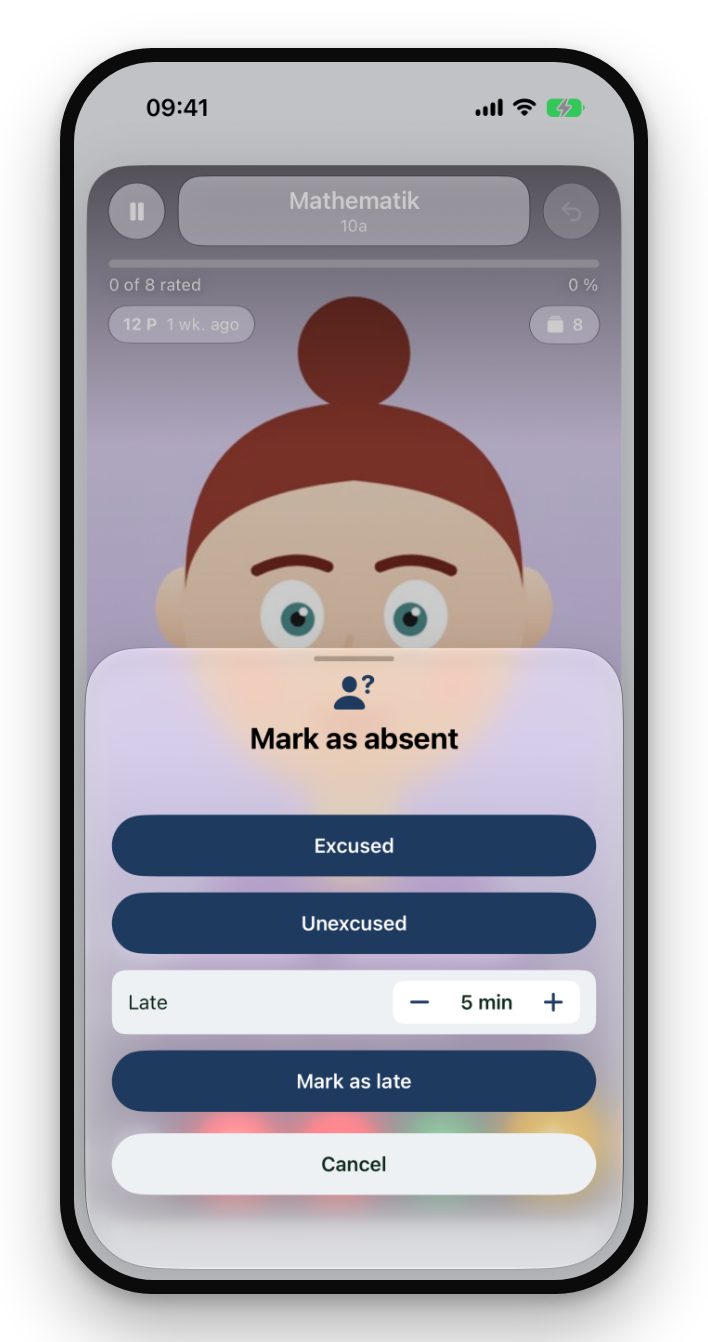
If someone is missing, you mark it right while grading — excused, unexcused or late (with minutes). From that the app automatically calculates absence rates per student and class, cleanly separated for the report card.
In landscape, Swipe'N'Teach becomes a command center: seating plan, grading and statistics side by side — made for the teacher's desk.
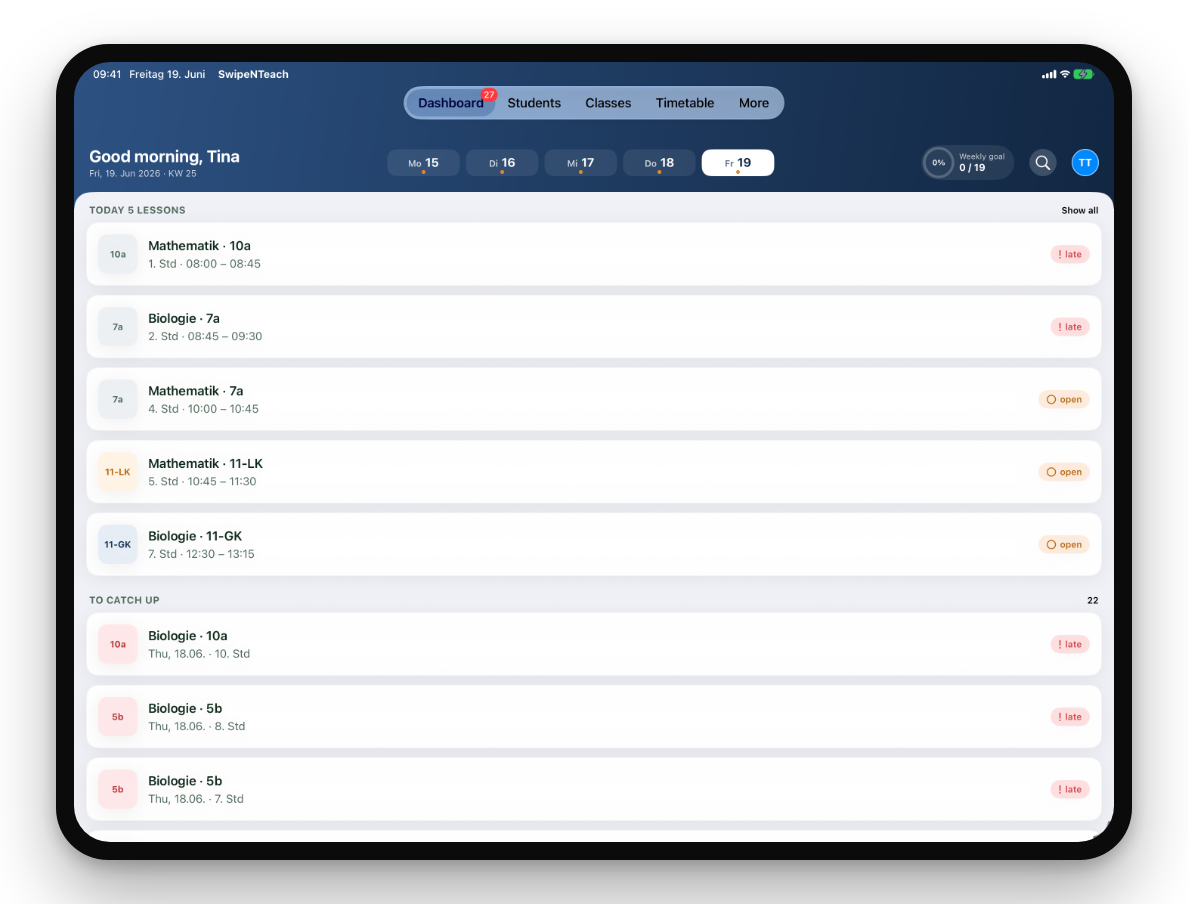
From the oral grade to the finished grade sheet — Swipe'N'Teach bundles your classroom management into one app.
Document oral participation without interrupting your lesson — one gesture is all it takes.
No account, no central server, no tracking. Names are stored with field-level encryption.
Enter points — the app calculates grades and class average. Scale adjustable per exam.
0–15 point system (KMK) for grade 10+ — switchable per subject.
Open a period, the class is already there — grade right away.
Per student or class — with signature and letterhead.
Custom criteria, 3- or 5-level scale, regular rounds.
Share ratings securely — via AirDrop or file, without the cloud.
Central management, MDM support (Intune, Jamf, Relution), billing by invoice.
Same feature set on both platforms.
The feature overview as an image or PDF, plus handy templates for your school day.
All features at a glance — ideal for the staff room notice board or a presentation.
Blank weekly plan (Mon–Sun, 10 periods) in the Swipe'N'Teach look — as Excel to fill in or as PDF to print.
Excel with first name/last name columns — fill it in and read it in via Import students in the app.
All data stays local on your device. No account, no tracking, no analytics services — names are additionally protected with field-level encryption. The optional sync runs through your personal, end-to-end-encrypted iCloud container.
With the school license, the entire staff activates the app using a single school key — no individual subscriptions, with central management, MDM support (Intune, Jamf, Relution) and convenient billing by invoice to the school.
Activation in 30 seconds
Enter the key, enter your name, done — no account needed.
Central license management
School leadership sees seats and releases devices when staff switch.
MDM rollout
Configuration via Intune, Jamf or Relution — the app activates itself.
Purchase by invoice
No credit card, no App Store budget — classic school procurement.
We'll introduce the app to your staff — on site or online. Request a no-obligation appointment.
Prefer email? support@swipenteach.app
Try it free for 30 days — no commitment, no credit card.
Monthly
2,99 € / month
All features, cancel anytime.
Yearly
29,99 € / year
Two months free compared to monthly.
Your school leadership receives a school key from us in the format SNT-2026-XXXX-XXXXXXXX. In the app, open Settings → Activate school license, enter the key along with your first and last name — done. You won't need an Apple or Google subscription.
Exclusively local on your device. There is no Swipe'N'Teach account and no central server for student data. The optional iCloud sync runs through your personal, end-to-end-protected iCloud container.
Old device: create a backup (encrypted file) or enable iCloud sync. New device: install the app, import the backup or choose 'Connect with iCloud'. For a school license: release the license on the old device and activate it on the new one.
The subscription runs through Apple or Google, not through us. iPhone/iPad: Settings → Subscriptions. Android: Play Store → Payments & subscriptions. Cancellation takes effect at the end of the current period; your data is kept.
Classes → open a class → Import students. CSV and Excel files (.xlsx) are supported. The app automatically detects columns like first name and last name and shows a preview before importing.
Nothing bad: the app works fully offline. Your license is verified cryptographically on the device and only checks in with the server briefly about every 7 days.
More questions? support@swipenteach.app